Messages
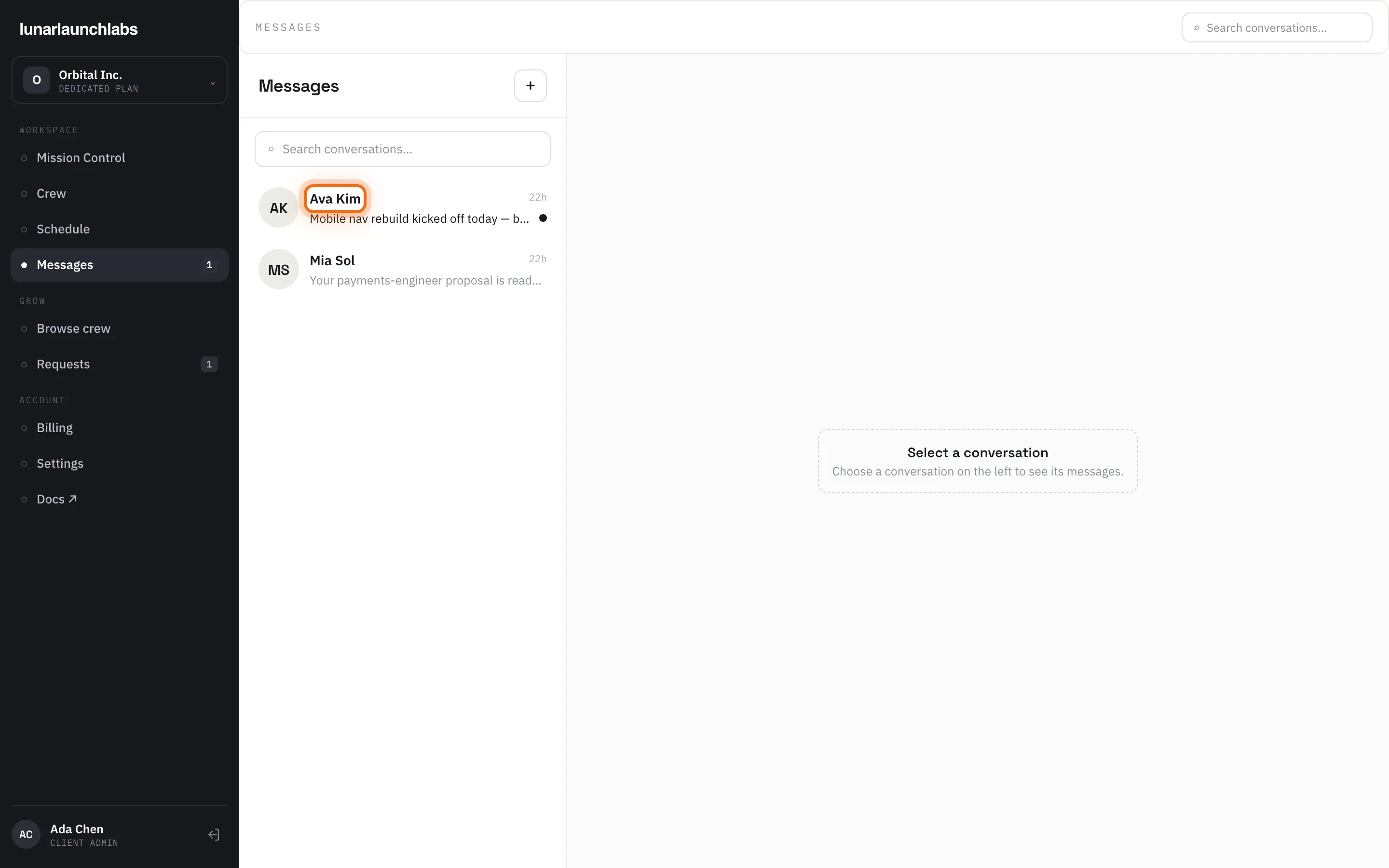
Messages (/messages) is your chat surface. The mechanics — conversation list, composer, image attachments, live typing, unread badges — are shared across the platform and documented in Messaging basics. This page covers what’s specific to clients.
Who you can message
Section titled “Who you can message”Pressing “+” (New conversation) lists your allowed contacts:
| Contact | Shown with the context label | Notes |
|---|---|---|
| Lunar Launch Labs admins | “Lunar Launch Labs” | Always available — the crew desk for requests, billing, disputes, anything |
| Your placed crew | Their job title (e.g. “Front End Engineer”) | Contractors with a live placement (scheduled, active, or paused) at your workspace who have activated their account |
| Your sales contact | “Lunar Launch Labs · Sales” | Appears when your workspace has an assigned L3 sales contact — the person who owns your account |
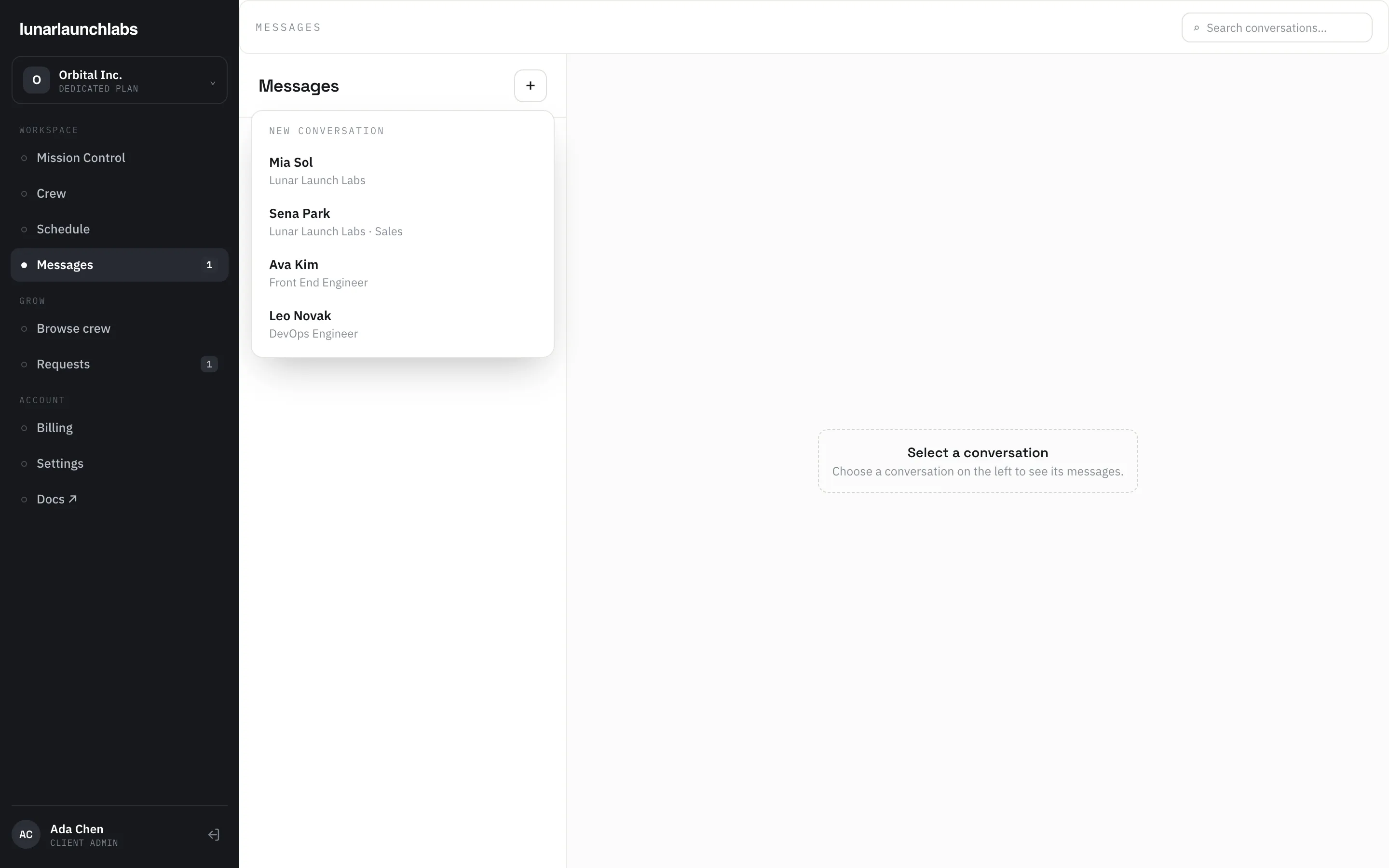
Crew members appear under their real names — the same names you accepted at proposal. When a placement fully ends, that person leaves your contact list.
There is deliberately no channel to suppliers: the platform’s whitelabel model means you interact with crew and with Lunar Launch Labs only.
Before your first placement the picker lists only Lunar Launch Labs contacts — crew appear as they’re placed.
Day-to-day use
Section titled “Day-to-day use”- Talk to your crew — day-to-day coordination. Keep pricing out of crew chats: contractors are shown no money data by design, and your rates are confidential between you and L3.
- Talk to the crew desk — anything about requests, proposals, pauses, offboards, disputes, or billing.
- Unread badge — the Messages sidebar item shows your total unread count.
Platform messaging is a business channel operated by Lunar Launch Labs and (per the Terms of Service) subject to L3’s review — use it for work.
For sending, attachments, read behavior, and timestamps, see Messaging basics.